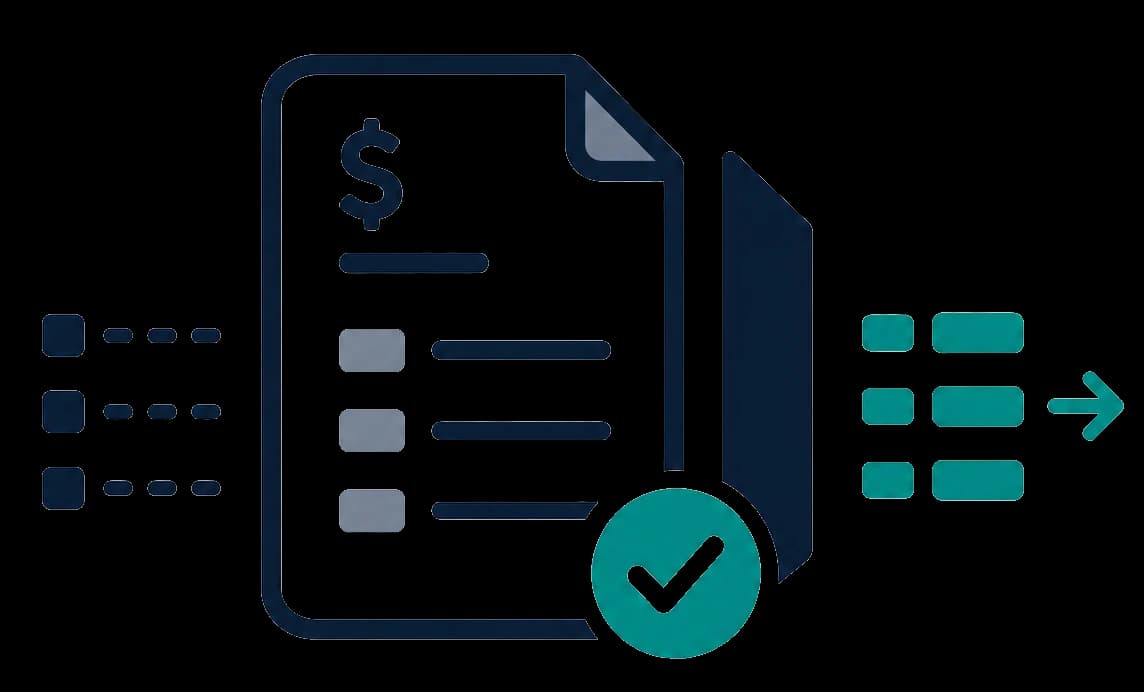
Invoice review workflow
How to Automate Invoice Review Before Payment
Automation works best when it prepares invoices for review instead of pretending every invoice can be approved automatically. The right workflow checks fields, totals, tax details, and warnings before a human makes the payment decision.
Decision checklist
The goal is a cleaner review packet
Before payment, invoice automation should make the repetitive parts faster and make the risky parts easier to see.
Capture supplier, buyer, invoice number, invoice date, due date, currency, payment details, totals, taxes, and line items.
Surface required fields that are blank, incomplete, or not confidently detected before payment review.
Review net amounts, tax amounts, gross totals, payable totals, tax breakdowns, and currency context in one place.
Reviewers should compare extracted values against the original invoice instead of trusting hidden extraction logic.
Different supplier layouts should become one consistent review structure for finance, bookkeeping, or operations.
A reviewer should decide whether to approve, reject, correct, or ask for a revised invoice.
A simple invoice review automation flow
Start without changing your accounting system. Begin with one uploaded invoice, review the result, then decide whether to keep the workflow.
- 1
Upload the invoice
Use the invoice file you actually need to review, usually a supplier PDF or DOCX invoice.
- 2
Extract structured fields
Turn the invoice into a consistent record with parties, dates, totals, taxes, payment fields, and line items.
- 3
Check for missing or inconsistent details
Review fields that are absent, uncertain, mismatched, or likely to need manual attention.
- 4
Review tax, VAT, totals, and payment details
Give the reviewer one place to inspect the values that matter before payment or accounting entry.
- 5
Approve, reject, or request correction
Use automation to prepare the evidence, then keep the final decision with the person responsible for review.
Do not automate the judgment away
Invoice automation should make review faster, but it should not remove the controls that protect payment decisions.
Do not let AI blindly approve supplier invoices without a review step.
Do not treat extracted values as final when warnings or missing fields are present.
Do not replace accounting review, supplier verification, or internal approval policies.